
Most Recent in ArcGIS Blog
Mind the map: a new design for the London Underground map
A modern take on the London tube map with updated accessible colours, a re-classification of lines by type, and line symbols scaled by frequency
Working with EMIT Hyperspectral Imagery in ArcGIS
Hong Xu | Imagery & Remote Sensing | May 9, 2024
Learn how to explore, manage, and analyze EMIT hyperspectral imagery using ArcGIS Pro.
Most Recent in ArcGIS Blog
Kenneth Field | ArcGIS Pro | May 16, 2024
A modern take on the London tube map with updated accessible colours, a re-classification of lines by type, and line symbols scaled by frequency
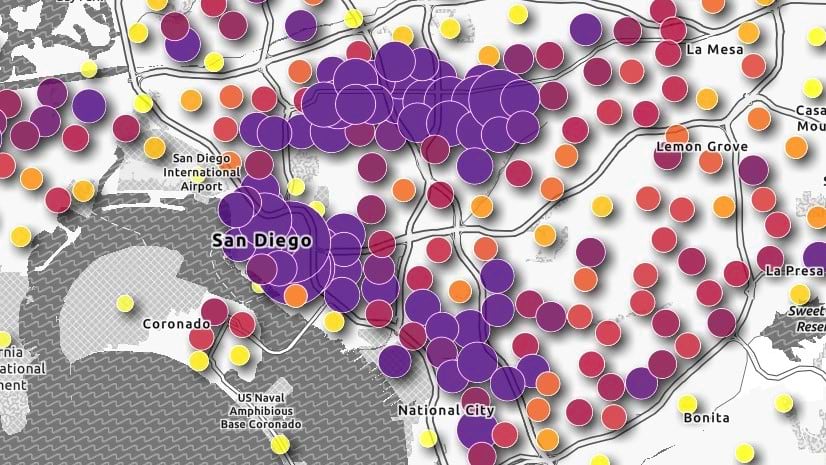
Multiple Authors | ArcGIS Instant Apps | May 16, 2024
Utilize practical guidance that can be applied to any ArcGIS application to ensure that maps and apps are accessible to all users.
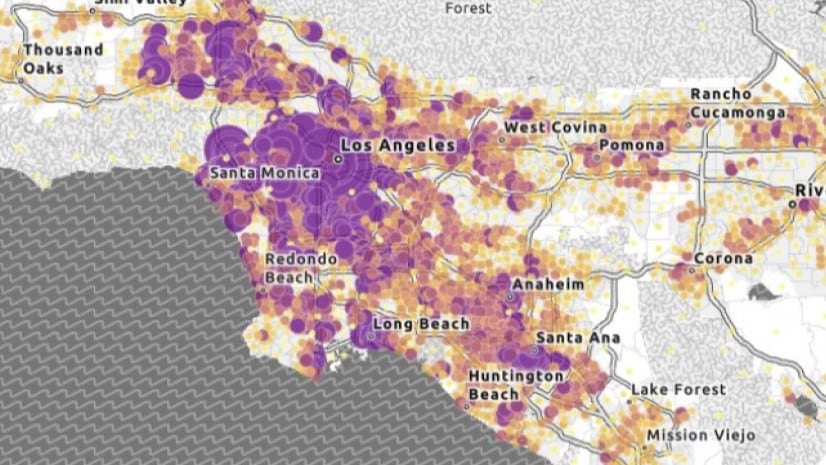
Jessica McCall | ArcGIS | May 16, 2024
Review best practices for designing and testing for accessibility maps and apps throughout the ArcGIS system during the development process.

Lara Winegar | ArcGIS StoryMaps | May 16, 2024
FInd out how to create accessible web content using ArcGIS StoryMaps.
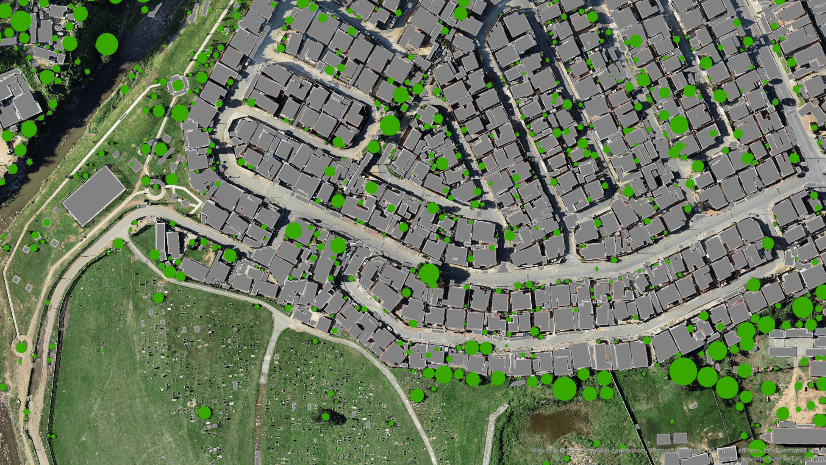
Multiple Authors | ArcGIS Pro | May 16, 2024
This blog post will walk you through the process of running multi resolution deep learning over a range of cell sizes.

Josue Aguirre | ArcGIS Pro | May 15, 2024
At ArcGIS Pro 3.3, the ArcGIS Defense Mapping extension has undergone various enhancements.

Owen Evans | ArcGIS StoryMaps | May 15, 2024
ArcGIS StoryMaps celebrates a milestone release this month while briefings gains the ability to add tables, share code, and more.

Multiple Authors | ArcGIS Pro | May 14, 2024
Prompt Segment Anything Model (SAM) with free form text to extract features in your imagery
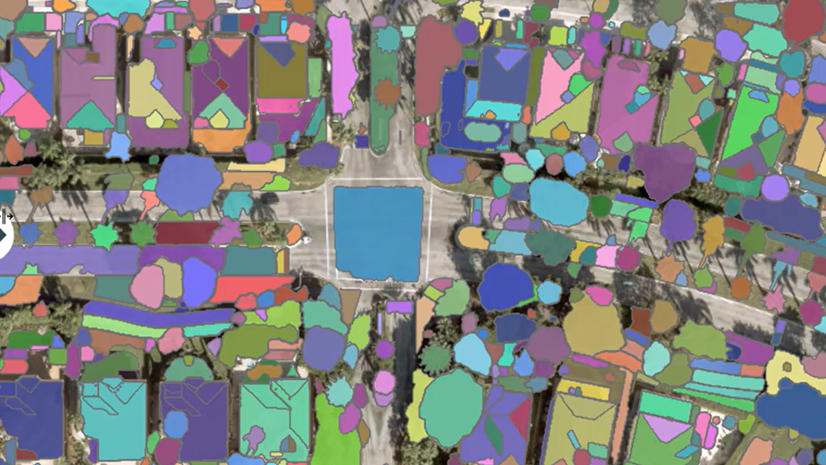
Multiple Authors | ArcGIS Pro | May 14, 2024
Learn about our SAM pretrained deep learning model available in ArcGIS Living Atlas of the World.

Amy Niessen | Developers | May 14, 2024
Explore key GIS developments at UC 2024 with our guide: sessions, Developer Day, and networking for developers.

Jennifer Wrightsell-Hughes | ArcGIS Online | May 14, 2024
Learn how to change the projection of a map in ArcGIS Online Map Viewer by changing the projection of the basemap.
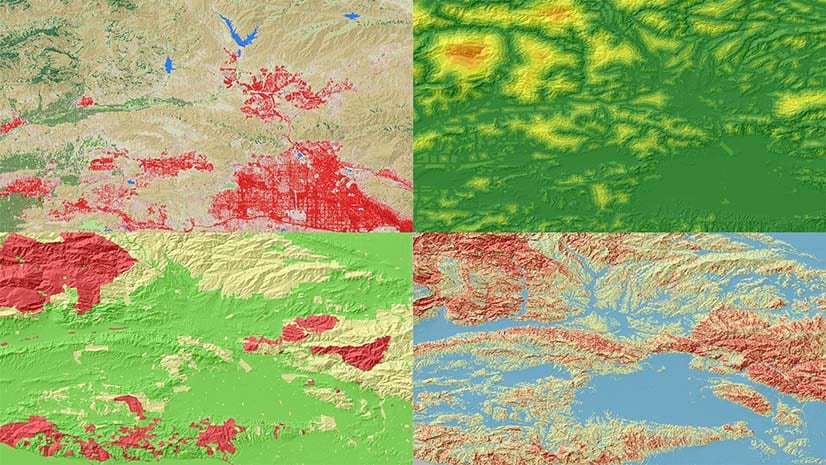
Juan Laguna | ArcGIS Pro | May 13, 2024
Spatial Analyst in ArcGIS Pro 3.3 offers new capabilities for suitability modeling, as well as density, distance, solar, and zonal analysis.

Andria Olson | ArcGIS StoryMaps | May 13, 2024
Three new technologies make it easier than ever to include scanned historical maps in ArcGIS StoryMaps. Learn how with walk-through videos.

Mark Gilbert | ArcGIS Living Atlas | May 13, 2024
Announcing 18 new ready-to-use layers to help you build a climate resilient community.

Robert Krisher | ArcGIS Utility Network | May 13, 2024
Learn the key concepts and terminology needed to understand how to manage stormwater data using the ArcGIS Utility Network
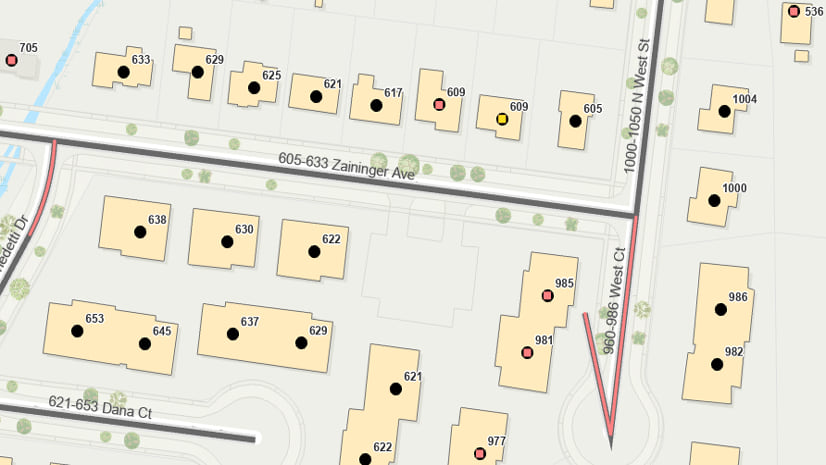
Multiple Authors | ArcGIS Data Reviewer | May 13, 2024
Explore the Q&A of our recent "Improving Data Quality in Your Authoritative Address Repository" webinar.

Multiple Authors | ArcGIS Enterprise | May 13, 2024
Learn about Amit Rishi's journey to GIS and the amazing work RMSI does for customers.
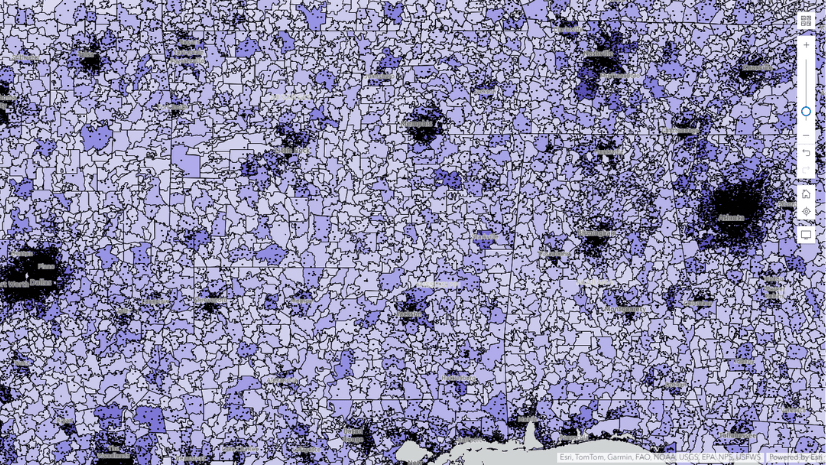
Multiple Authors | ArcGIS Business Analyst | May 10, 2024
With the June 2024 data release, there are boundary changes to a few U.S. geography types used in ArcGIS Business Analyst Web App.
Multiple Authors | ArcGIS Field Maps | May 10, 2024
Q&A from the Maximize field efficiecy with Field Maps webinar.
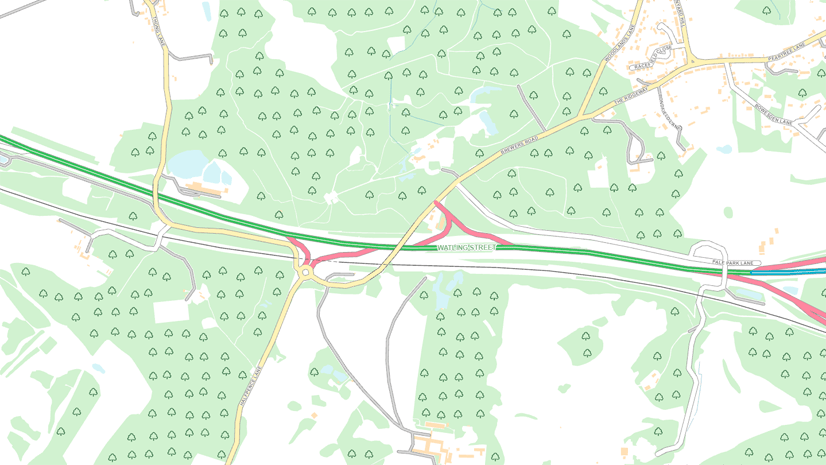
Chris Wesson | ArcGIS Pro | May 9, 2024
Cartographic finishing for polygon marker symbol layers with the new Convert marker placement to points tool.

Stephen Kredel | ArcGIS AllSource | May 9, 2024
ArcGIS AllSource 1.2 has released and with it comes Simplified Feature Creation, Military Overlay, and ArcGIS Video Server connectivity.
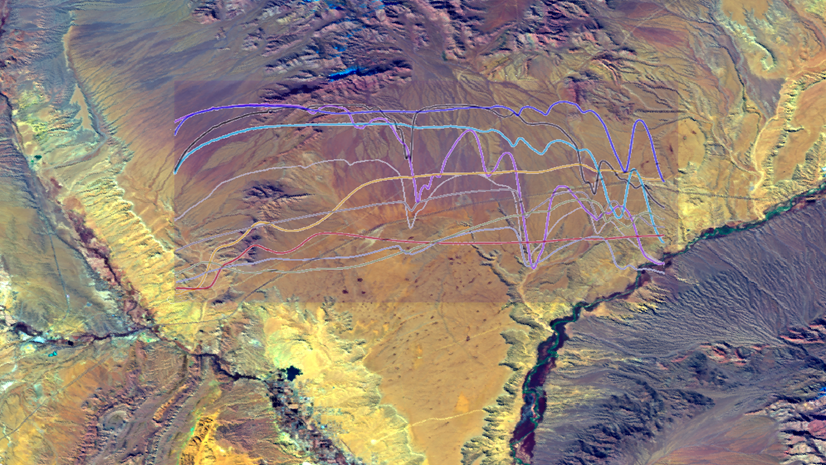
Hong Xu | ArcGIS Pro | May 9, 2024
Learn how to explore, manage, and analyze EMIT hyperspectral imagery using ArcGIS Pro.

Tanner Yould | Developers | May 9, 2024
ArcGIS Maps SDK for Native Apps version 200.4 adds support for 3D Tiles layers!
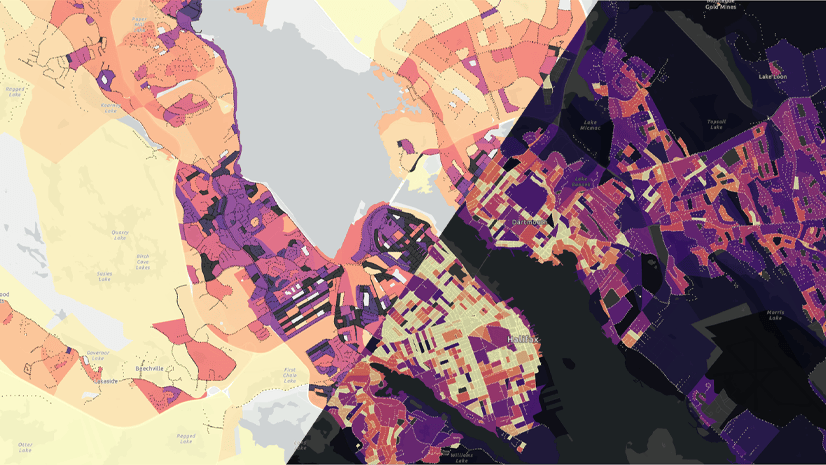
Heather Smith | ArcGIS Online | May 9, 2024
Watch this short video to learn how to choose color schemes that work well with light or dark basemaps.
Multiple Authors | ArcGIS Pro | May 9, 2024
What's new for GeoAI in the Image Analyst extension of ArcGIS Pro 3.3

Matvei Stefarov | ArcGIS Maps SDK for .NET | May 8, 2024
Release 200.4 adds DateOnly, TimeOnly, and TimestampOffset fields to provide flexible temporal data storage and enhance time zone support.